
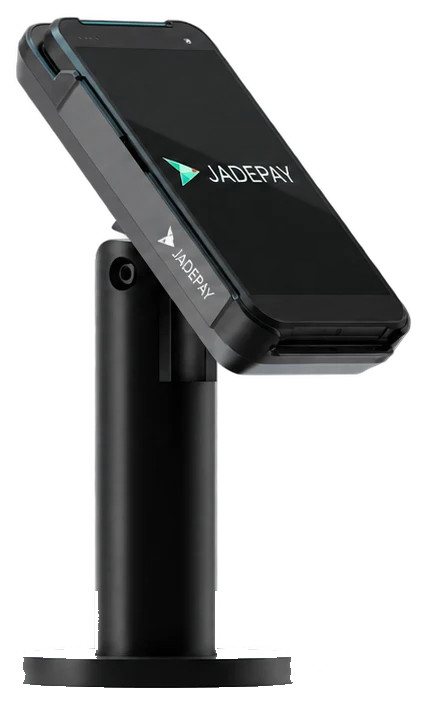
P5With printer
Busy service
A handheld Android card machine with an integrated receipt printer for busy service environments.
- 5.5-inch display
- Tap, chip and PIN
- QR
- Thermal printer
Restaurants, forecourts, events.
Talk about the P5In store
Android smart card machines for the counter, the shop floor and the road. Tap, chip and PIN, and QR.
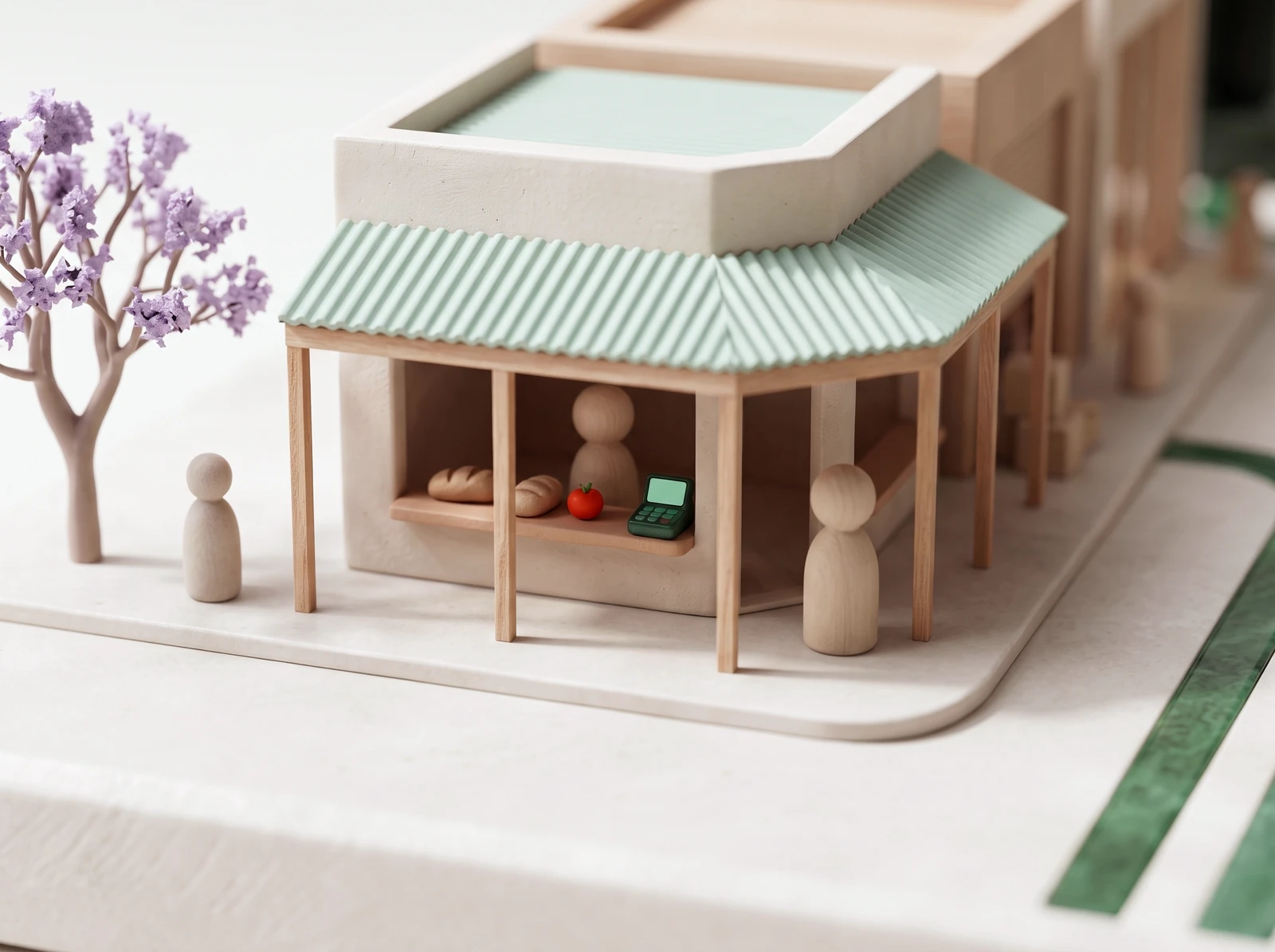
§ 02 Meet the devices
Four Android smart card machines, shown at their relative sizes. We help you choose the one that fits your counter, your floor or your van.
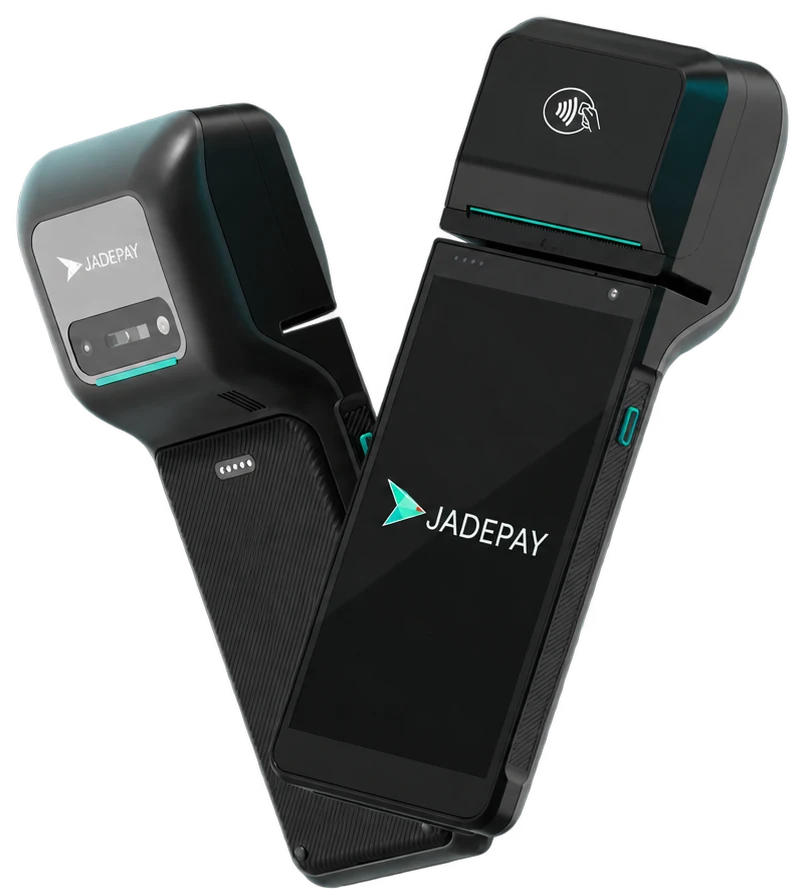
P5With printer
A handheld Android card machine with an integrated receipt printer for busy service environments.
Restaurants, forecourts, events.
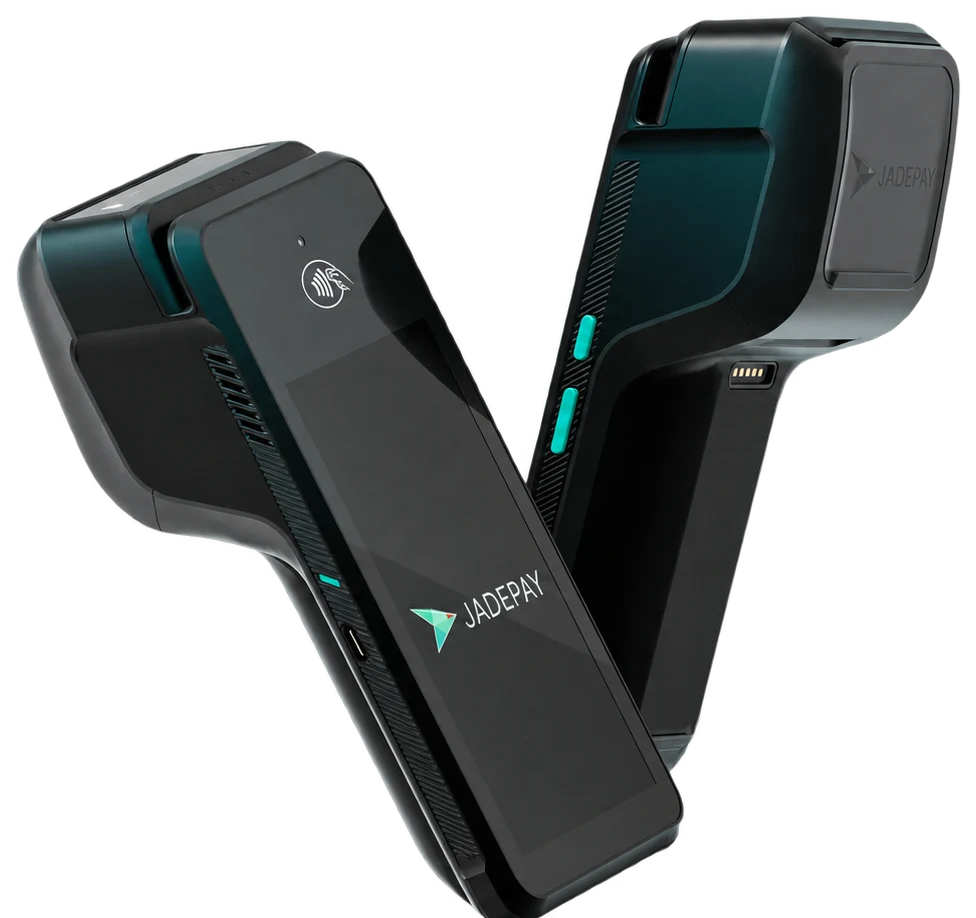
Talk about the P5P5SECounter or portable
An everyday Android card machine for countertop and portable payments, with printed receipts.
Countertop, or in hand when the queue moves.
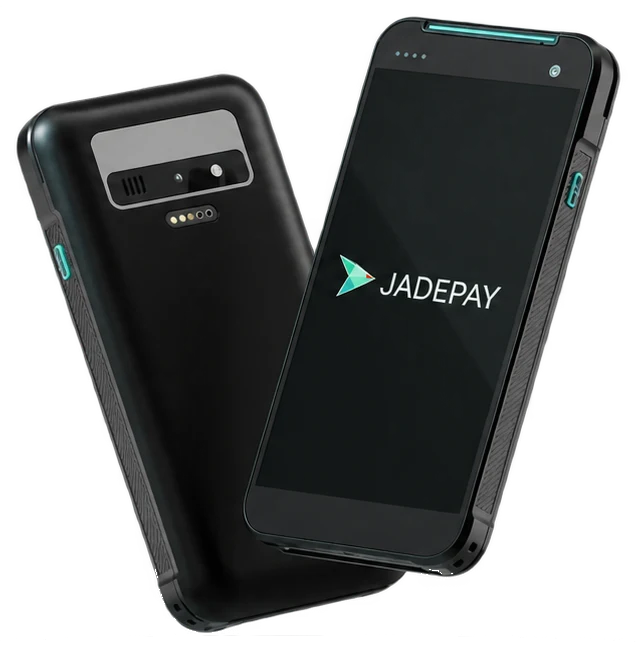
Talk about the P5SEP5LPocket-sized
A pocket-sized card machine for payments on the move, with receipts sent by SMS or email.
Events, bars, mobile service businesses.
Talk about the P5LP5L PIN PadCheckout lane
A customer-facing payment terminal for retail checkout lanes, with contactless payments on the screen.
Integrated retail checkout.
Talk about the PIN PadDevice configuration and enabled services are confirmed in your proposal and onboarding.
§ 03 Contactless and wallets
Contactless from supported cards and wallets, including Apple Pay and Google Pay. Chip and PIN when the card asks for it.
Visa and Mastercard. Tap, chip and PIN in store.
From supported Apple devices and cards.
From supported devices and cards.
Scan to pay from the device screen.
Apple Pay and Google Pay from supported devices and cards. Enablement depends on the selected service and completed onboarding.
The device shows a QR code on its screen; the customer scans it and pays from their phone. Handy when the card is at home and the phone is not.
§ 05 Direct settlement
Your provider settles directly into your business bank account. Your money never stops with JadePay.
Every settlement report breaks the batch into the transactions from your counter, with your own reference on each line.
Fig. 01a
One card machine or four. Tell us where you sell and how the queue moves, and we recommend the device that fits.
Talk about card machines